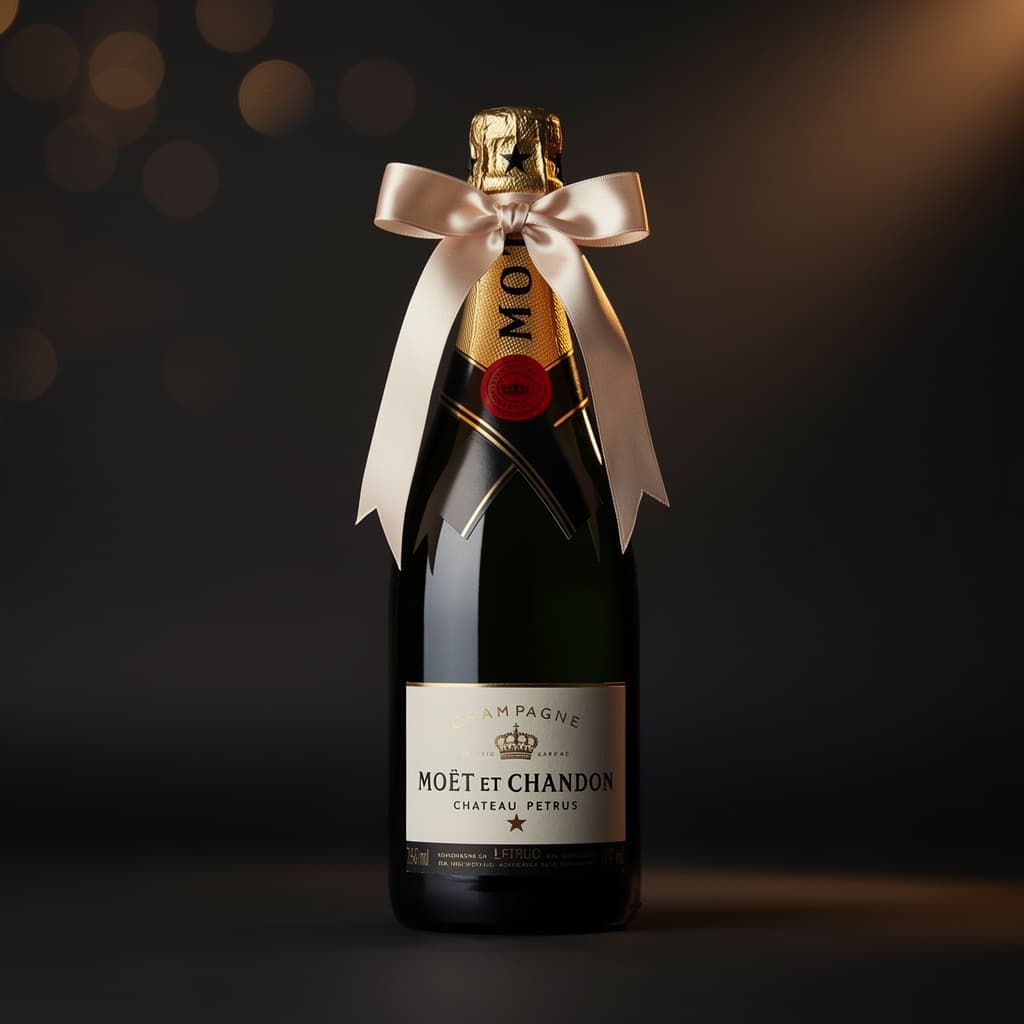
Wine is one of the most personal gifts you can give or receive. A well-chosen bottle carries real thought behind it — the occasion, the person, the story. But most collectors have no system to remember any of it.
A few weeks after the holidays or a dinner party, the details fade. You know you received a lovely Burgundy from someone, but you cannot remember who, or when, or what the occasion was. And the bottles you offered to others? Gone from memory entirely.
This guide is about changing that. We will look at why tracking wine gifts matters, what a good system looks like, and how to build one that actually sticks — whether you use an app or start with something simpler.
Why Wine Gift Tracking Gets Overlooked
Most collectors focus their energy on inventory management: what they own, where it is stored, what it is worth. Gift tracking feels like a secondary concern, something you might handle with a note in your phone or a mental note that quickly disappears.
But gifts represent a surprisingly large part of most personal collections. If you think about the bottles that have come through your home over the past year — birthdays, Christmas, dinner invitations, thank-you gestures — a significant portion were gifted rather than purchased.
And yet, when you look at most wine tracking tools, gift tracking is either absent entirely or treated as a minor checkbox with no context attached.
There are three reasons why this matters more than it seems.
First, it helps you remember people. A bottle of Sauternes from your colleague after a project success, a rare Armagnac from your father-in-law on your anniversary — these are not just bottles, they are moments. Having a record of who gave you what transforms your inventory from a list into something more meaningful.
Second, it helps you reciprocate thoughtfully. If you know someone gave you a bottle of aged rum last year, you know something about their taste. That information makes your next gift to them much more considered.
Third, it helps you track what you give. Collectors who regularly offer bottles as gifts often have no record of what they gave, to whom, and when. Over time this leads to duplicate gifts, forgotten gestures, and missed opportunities to build on a gifting relationship.
What Information to Capture for Each Gift
A good wine gift record does not need to be complex. The goal is to capture enough context to make the record useful later, without making the process so detailed that you never do it.
For bottles you receive, the minimum useful information is: the bottle name and type, the name of the person who gave it to you, the date or occasion, and optionally a short note about what made it special or how you plan to drink it.
For bottles you give, the equivalent set is: the bottle name and type, the name of the person you gave it to, the date or occasion, and optionally a note about why you chose that particular bottle for that person.
Beyond the minimum, you might also want to capture the vintage year, an estimated value if relevant, and the storage location if the received bottle goes into your cellar rather than being opened right away.
The key is consistency. A simple record captured at the moment of giving or receiving is far more valuable than a detailed record you plan to fill in later but never do.
Building a Gift Tracking System That Sticks
The biggest reason gift tracking fails is friction. If the process of recording a gift takes more than a minute, most people skip it — especially in the middle of a dinner party or holiday gathering.
A good system needs three things: it needs to be fast, it needs to live in the same place as your broader collection, and it needs to be accessible on your phone.
Option 1: A Dedicated App With Gift Tracking Built In
The cleanest solution is an app that treats gift tracking as a first-class feature rather than an afterthought.
Alcotheque is built with this in mind. When you add a bottle to your collection, you can mark it as received as a gift and attach the giver's name directly to the bottle record. The same works for bottles you offer — you can log the recipient and the occasion. Both types of gifts appear in a dedicated history view, separate from your regular inventory actions.
This means your gift history lives alongside your collection, not in a separate notes app or spreadsheet that you will eventually lose track of.
If you are building a broader collection tracking habit alongside your gift tracking, this guide is a useful starting point: How to Organize Your Home Bar
Option 2: A Spreadsheet With a Consistent Structure
If you prefer not to use a dedicated app, a spreadsheet can work — but only if you commit to a consistent structure from the start.
A simple four-column layout covers most needs: Date, Bottle, Person, Direction (Received/Given). A fifth column for notes or occasion adds context without overcomplicating things.
The limitation of a spreadsheet is that it stays separate from your collection inventory. You end up maintaining two systems, and over time one of them wins. Usually it is not the gift tracker.
Option 3: A Notes App With a Simple Format
The lowest-friction option is a running note in your phone's notes app with a consistent format. Something like: "April 2026 — Château Pétrus 2018 — Received from Marc — his wedding anniversary dinner."
This works surprisingly well if you add entries immediately and never try to reorganize them. The weakness is that it does not integrate with your collection at all, and searching for a specific entry later becomes tedious.
The Gift Angle That Most Collectors Miss
There is a dimension of gift tracking that goes beyond memory and reciprocity: it gives your collection a human layer that pure inventory management cannot provide.
When you look at your collection and see that three bottles came from the same person over three years, you learn something. When you notice that certain occasions — Christmas, summer gatherings, work milestones — generate most of your gifted bottles, you can plan around that. When you see which bottles you most often give, you start to understand your own gifting personality as a collector.
None of this is visible if gifts are invisible in your tracking system.
For collectors who also track spirits alongside wine, this human layer becomes even richer. A bottle of single malt from a friend who knows your collection well is a very different gift from a generic whisky from someone who does not. Tracking both tells a much more complete story.
If you collect spirits alongside wine, this guide on managing a spirits collection may also be useful: The Spirits Collector's Guide
Gift Tracking and Collection Value
One practical side of gift tracking that often surprises collectors: it affects how you calculate your collection's value.
If you track purchase prices for bottles you buy, your analytics will give you a reasonably accurate picture of what you have spent. But gifted bottles have a market value too, even if you paid nothing for them. A bottle of vintage Champagne received as a gift has real worth that belongs in any honest assessment of your collection.
An app like Alcotheque lets you add an estimated value to any bottle, whether purchased or gifted. This means your collection analytics reflect the true picture — not just what you spent, but what you own.
Practical Tips for Getting Started
If you have never tracked wine gifts before, starting with your entire history is overwhelming and unnecessary. Start with today.
The next bottle you receive or give, capture it immediately. Five data points, thirty seconds. Date, bottle, person, direction, occasion. Do this consistently for a month and it becomes automatic.
For past gifts you remember clearly, add them when you think of them — not as a dedicated session, but opportunistically. You are not trying to reconstruct history, you are building a habit going forward.
Finally, do not wait for the perfect system. A simple record that you actually maintain is worth far more than an elaborate system you never use.
How Alcotheque Handles Gift Tracking
For collectors who want a single place for everything, Alcotheque integrates gift tracking directly into the bottle record.
When you add a bottle, you can specify that it was received as a gift and enter the giver's name. When you mark a bottle as offered, you can enter the recipient's name. Both actions appear in your bottle's history timeline, alongside other events like openings and quantity updates.
The dedicated gifts views — one for received bottles, one for offered bottles — give you a filtered list any time you want to review your gifting history. No separate system, no spreadsheet to maintain alongside your collection.
The app is free to try with up to 15 bottles, which is enough to test the gift tracking workflow before committing to the premium plan.
For gin collectors who often give and receive bottles as gifts, this guide may also be relevant: How to Manage Your Gin Collection
Frequently Asked Questions
Do I need a special app to track wine gifts? No. A consistent spreadsheet or even a notes app can work. The key is having a dedicated place for gift records that you maintain consistently. A dedicated app makes it easier because gift tracking lives alongside your collection rather than in a separate system.
What is the minimum information to track for a wine gift? The four essentials are: the bottle name, the person (giver or recipient), the date or occasion, and the direction (received or given). Everything else is optional context.
Can I track spirits gifts the same way as wine gifts? Yes. The same principles apply regardless of whether the bottle is wine, whisky, rum, gin, or any other spirit. If anything, spirits gifts are often more memorable because they tend to be more deliberate choices.
What if I forgot to track gifts I received in the past? Start from today and add past gifts when you remember them naturally. Do not try to reconstruct everything at once — it leads to incomplete records and abandoned systems.
Does tracking gift value affect my collection analytics? If your tracking app supports estimated values, yes. Adding a value to gifted bottles gives you a more accurate picture of your total collection worth, not just what you personally spent.
How does Alcotheque handle gift tracking specifically? When adding or editing a bottle in Alcotheque, you can mark it as received as a gift with the giver's name, or mark it as offered with the recipient's name. These appear in the bottle's history and in dedicated gift views in the app.