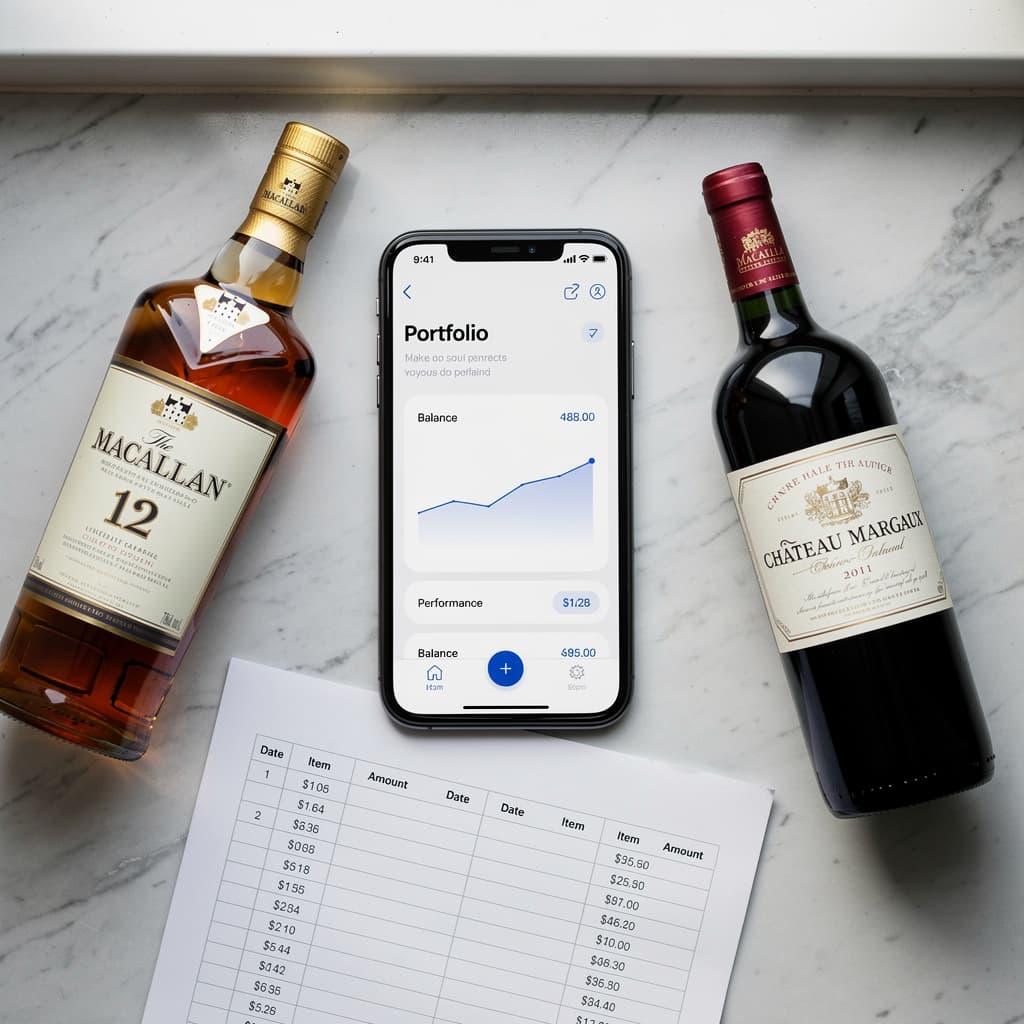
Wine Collection App vs Spreadsheet
If you manage your wine or spirits collection in a spreadsheet, you already have better habits than most collectors. But at some point, a spreadsheet starts working against you.
Here is a clear comparison to help you decide when to switch.
The Case for Spreadsheets
Spreadsheets are free, flexible, and familiar. For a collection under 20 bottles, a simple Google Sheet or Excel file can do the job. You control the structure, and there is no learning curve.
Best for: beginners, very small collections, collectors who already live in spreadsheets.
Where Spreadsheets Fall Short
| Feature |  Alcotheque Alcotheque |
Spreadsheet |
|---|---|---|
| Enter bottle details | ✅ AI label scanning | ❌ Manual only |
| Photo storage | ✅ Saved automatically | ❌ Not supported |
| Mobile experience | ✅ Built for mobile | ❌ Slow and clunky |
| Gift tracking | ✅ Track who gave you what | ❌ Not available |
| Storage location management | ✅ Assign bottles to spots | ❌ Not available |
| Collection analytics | ✅ Full collection stats | ❌ Not available |
Alcotheque handles the details so you can focus on enjoying your collection.
What a Dedicated App Adds
A collection app is built specifically for this use case. The main advantages:
- AI label scanning — point your camera and the details are filled in automatically
- Photo storage — each bottle has a visual record
- Cloud sync — your collection is accessible on any device
- Gift tracking — record who gave you a bottle
- Location management — assign bottles to specific storage spots
- Analytics — see your collection broken down by type, value, or status
The Honest Answer
If your collection fits in 15 rows of a spreadsheet, a spreadsheet is fine.
If your collection is growing, mixed between wine and spirits, or shared with someone else, a dedicated app saves time and reduces errors.
Alcotheque is free for up to 15 bottles — which makes it easy to test without committing.